 Buying a car
Search and filter cars
Narrow thousands of listings down to the right car fast.
Beginner 2 min read
Steps
1. Search. Open Cars and type a brand, model, or keyword in the search bar.
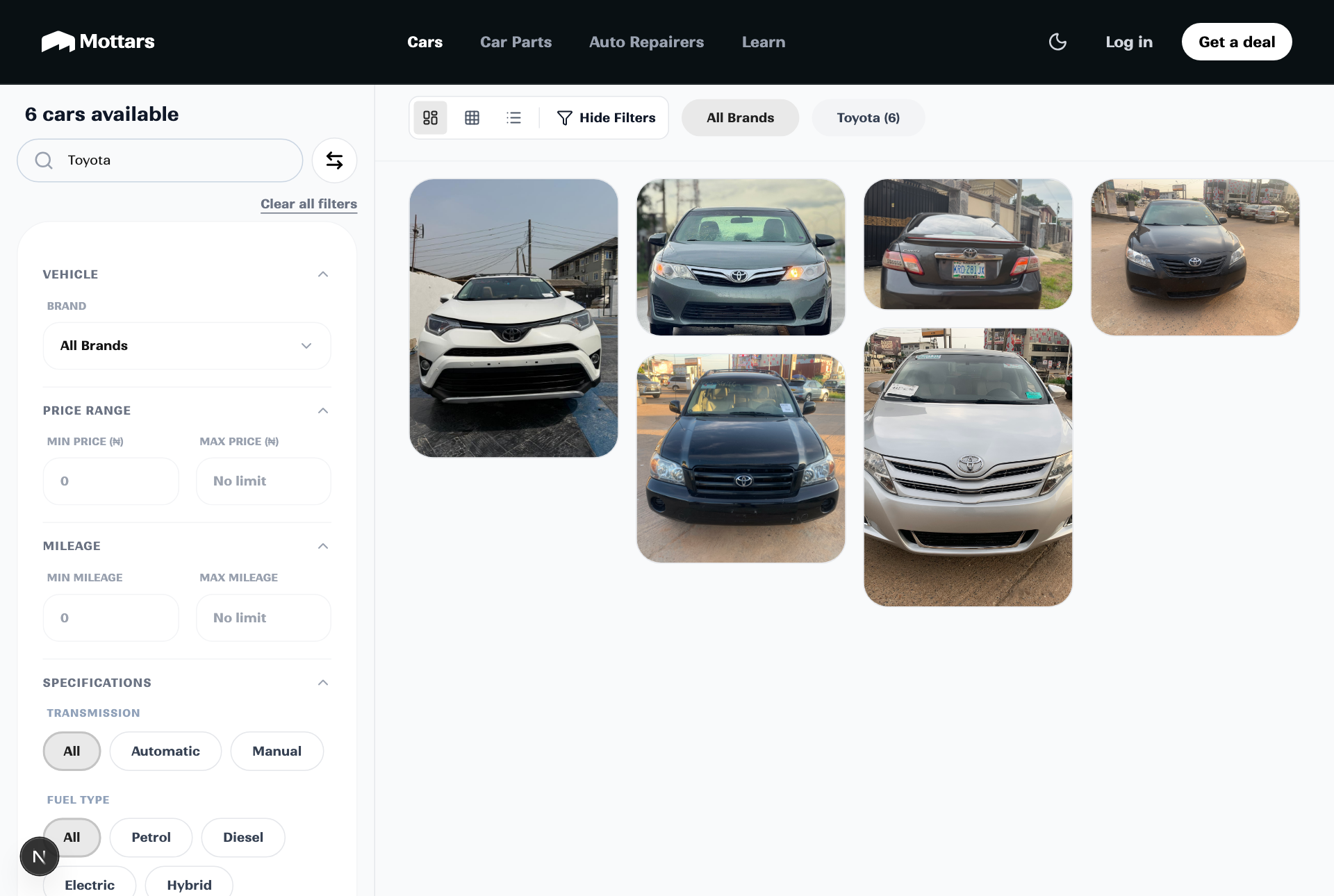
2. Filter. Narrow the results by price range, year, mileage, transmission, fuel type, and location.
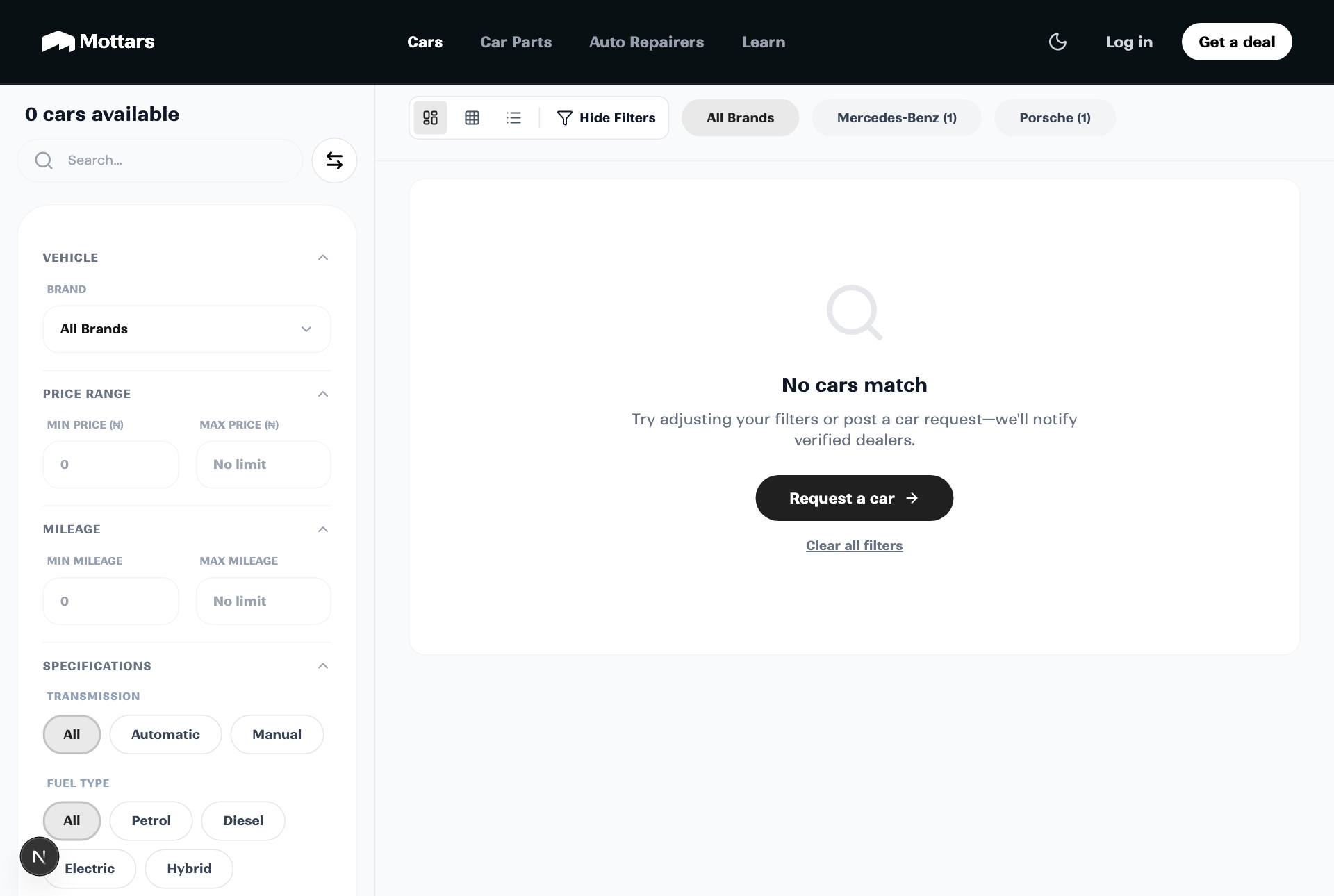
3. Sort and compare. Order by newest, price, or mileage to weigh your options.
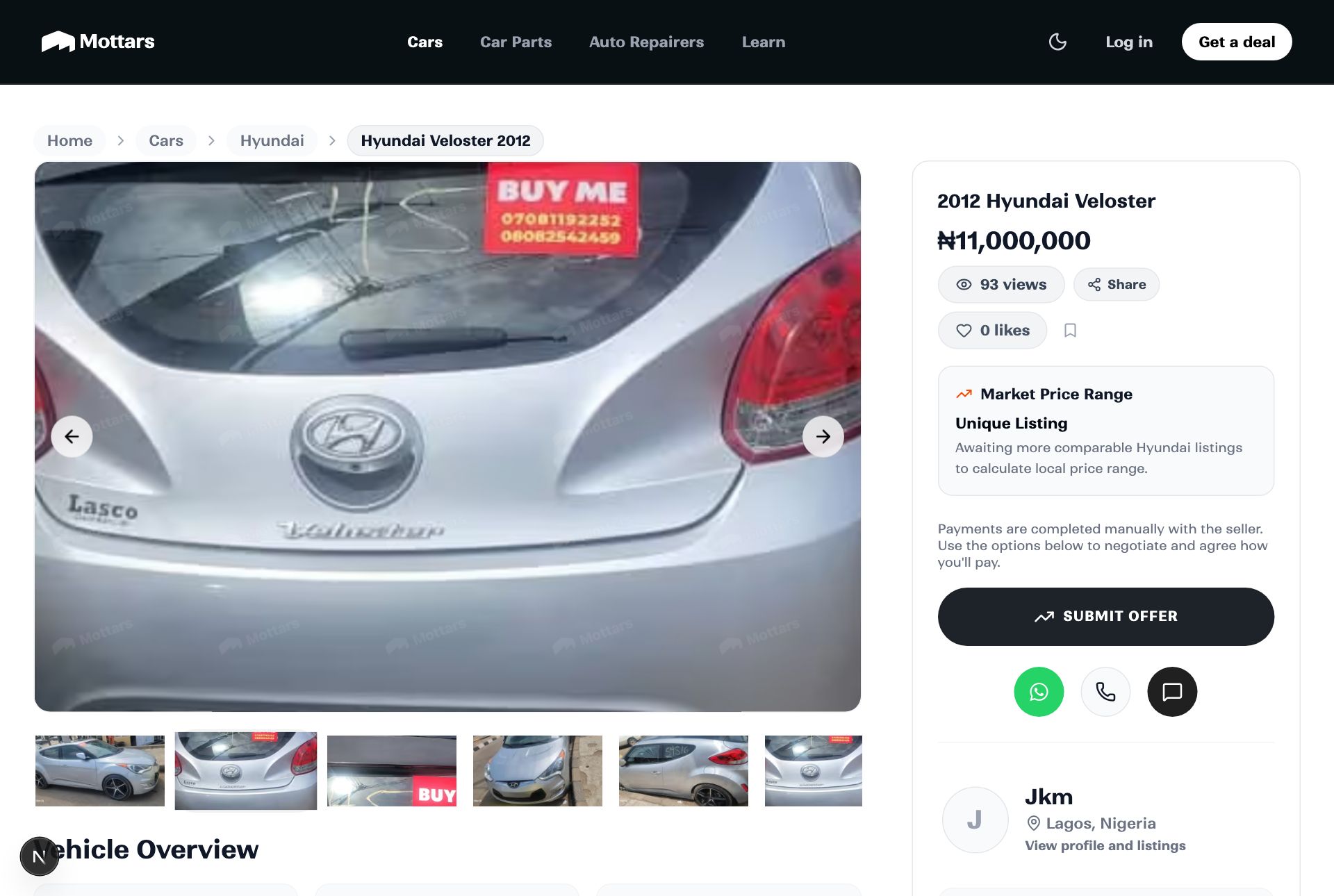
4. Open a listing. See full specs, photos, the dealer, and finance options, then save it or make an offer.
Tip
Tap the bookmark icon on any listing to save it, and use Swipe for a fast, one-by-one way to discover cars.