 Buying a car
Post a car request
Cannot find it? Describe the car and let dealers come to you.
Beginner 2 min read
A car request tells verified dealers exactly what you are looking for.
Steps
1. Open the request form. Go to Cars > Post a request.
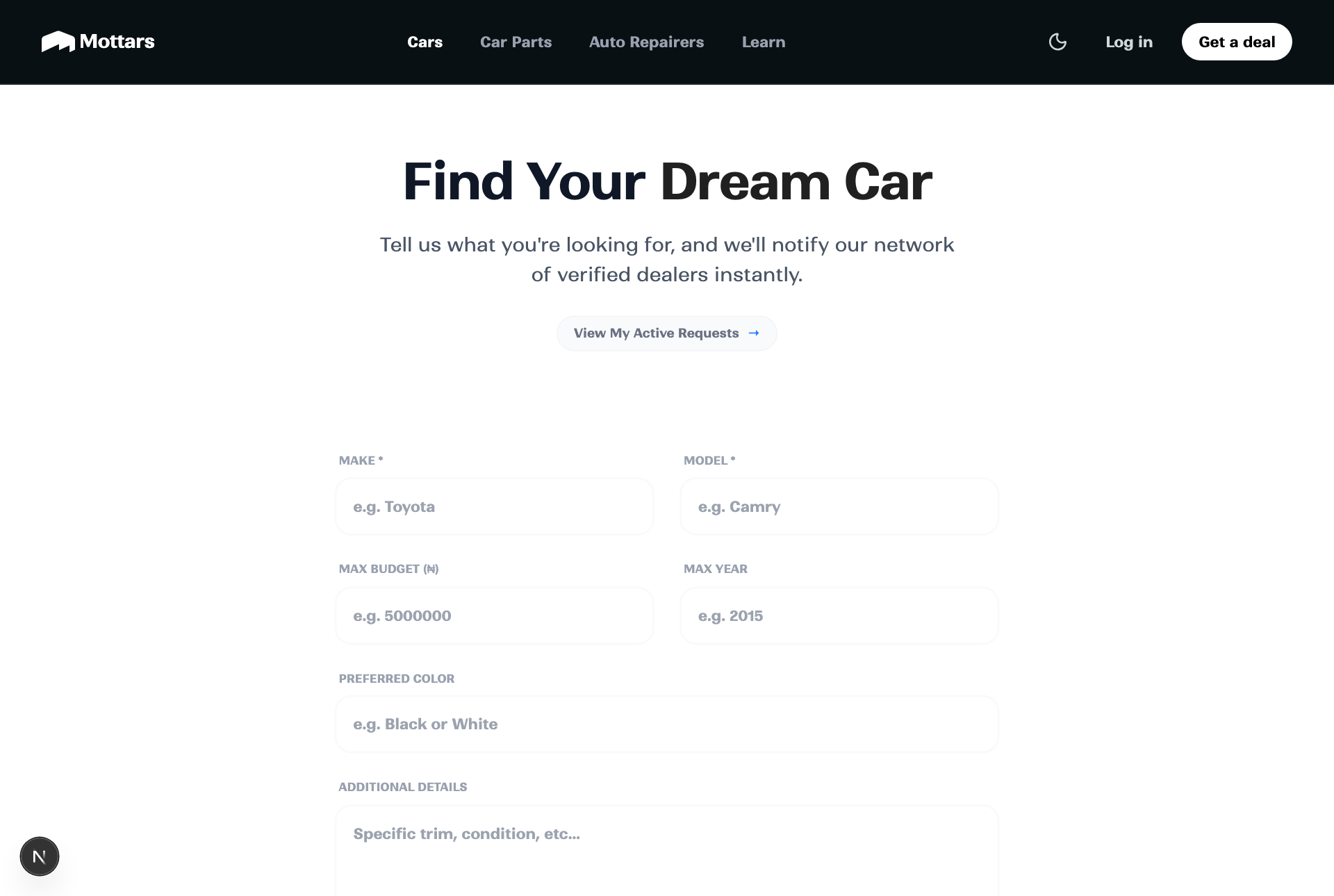
2. Describe the car. Enter the make, model, year range, budget, and any must-haves.
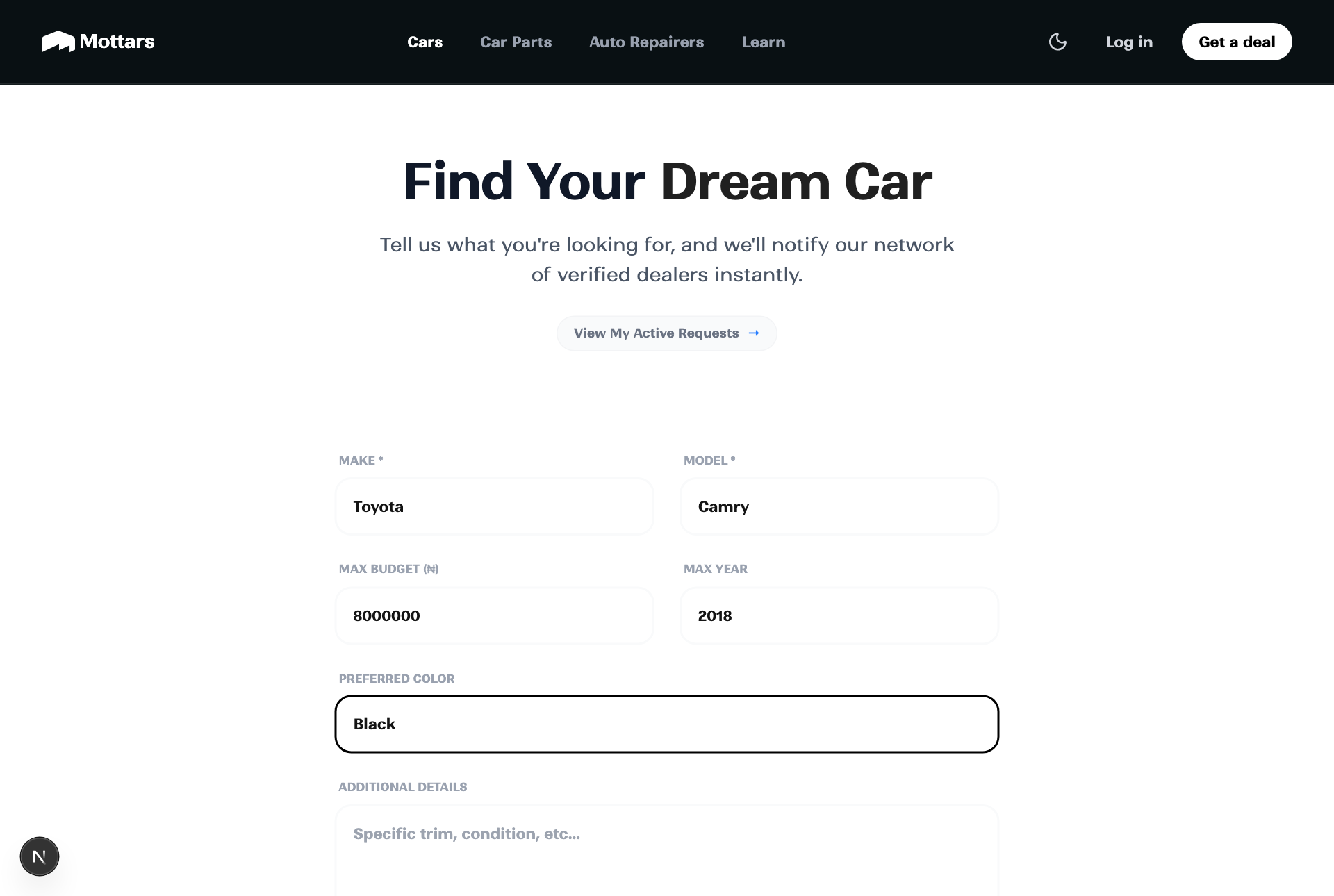
3. Submit. Matching dealers can reach out with options.
4. Compare replies. Review dealer responses in Chat and pick the best one.
Tip
The clearer your budget and requirements, the better the matches. You can close a request once you have found your car.