 Getting started
Create your Mottars account
Sign up in a minute as a Member, dealer, or service professional.
Beginner 2 min read
Mottars is free to join. A Member account lets you buy, rent, save cars, make offers, and chat with sellers.
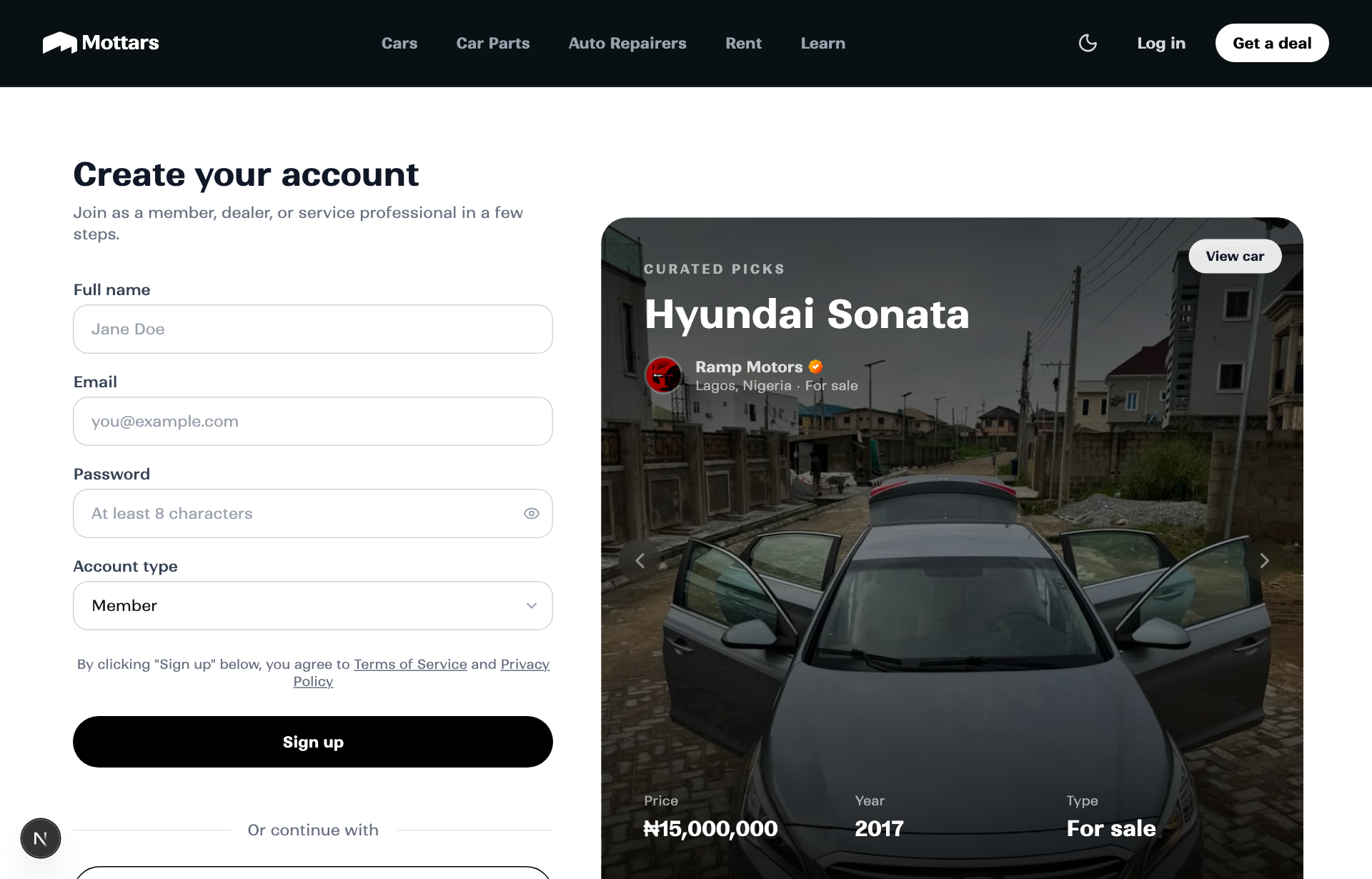
Steps
- Go to Sign up and enter your name, email, and a password (or continue with Google).
- Choose your account type: Member (personal), Dealer, or Service professional.
- Confirm your phone number so sellers and hosts can reach you.
- Open the verification email and click the link to activate your account.
Tip
You can always upgrade later. Start as a Member and become a dealer or rental host from your dashboard whenever you are ready.